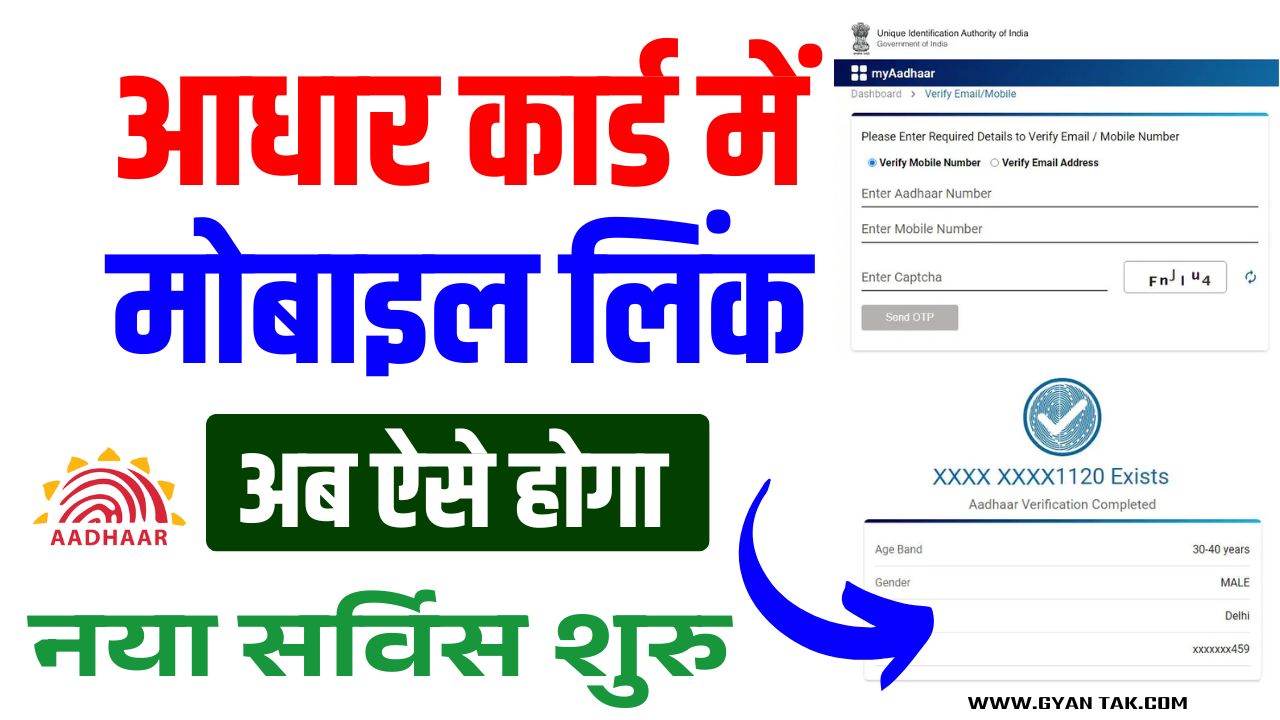
Aadhaar Mobile Number Update 2025: Updating your mobile number in Aadhaar is now more accessible than ever in 2025! Whether you’ve changed your SIM 📲 or lost access to your old number, this guide helps you update it quickly—online or offline.
📊 Overview Table – Aadhaar Mobile Number Update 2025
| 📝 Details | 📌 Information |
|---|---|
| 🔄 Update Methods | Online (self-service) & Offline (Aadhaar Seva Kendra / CSC) |
| 🌐 Online Portal | myaadhaar.uidai.gov.in |
| 🆔 Documents Needed (Offline) | Aadhaar card + any Govt. ID (PAN, Voter ID, Passport) |
| 💸 Fee | Online: ₹0 (Free) Offline: ₹50 |
| ⌛ Processing Time | Online: 3–5 working days Offline: 7–10 working days |
| 🔐 Verification Needed | OTP (online) or Biometrics (offline) |
| 🔁 Number of Times Allowed | No official limit (UIDAI monitors excessive changes) |
| 📍 Update Centers | Aadhaar Seva Kendra (ASK) or Common Service Centers (CSC) |
| 📞 Old Number Required for Online? | ✅ Yes, for OTP verification |
⚙️ How To Update Aadhaar Mobile Number 2025 (Step-by-Step Guide)
1️⃣ सबसे पहले UIDAI की आधिकारिक वेबसाइट पर जाएं 🌐
2️⃣ होम पेज पर “Book an Appointment” के विकल्प पर क्लिक करें 📅
3️⃣ अब नया पेज खुलेगा → अपनी City/Location चुनें और “Proceed to Book Appointment” पर क्लिक करें 📍
4️⃣ अब अपना Mobile Number और Captcha Code भरें, फिर “Generate OTP” पर क्लिक करें 🔢
5️⃣ प्राप्त OTP को दर्ज करें और “Verify OTP” पर क्लिक करें ✅
6️⃣ अब Appointment Details भरें और “Next” पर क्लिक करें 🧾
7️⃣ New Mobile Number का विकल्प चुनें और “Next” पर क्लिक करें 📲
8️⃣ अपनी Appointment Date & Time चुनें और “Next” पर क्लिक करें 📆
9️⃣ अब आपके आवेदन का Preview दिखेगा — सभी जानकारी जांचकर “Submit” पर क्लिक करें ✔️
🔟 इसके बाद ₹75 शुल्क का ऑनलाइन भुगतान करें 💳
11️⃣ भुगतान के बाद स्लिप डाउनलोड करें और उसका प्रिंटआउट निकालें 🖨️
12️⃣ इस स्लिप को लेकर आधार सेवा केंद्र जाएं और प्रक्रिया पूरी करें 🏢
🏢 Option 2: Offline via Aadhaar Seva Kendra / CSC
- 📍 Visit nearest ASK or CSC
- 📝 Fill out the Aadhaar Update Form
- 🧾 Submit ID proof & do biometric verification
- 💸 Pay ₹50 update fee
- 📄 Collect acknowledgment slip (with URN to track)
🕒 Processing Time: 7–10 working days
📡 How to Check Update Status?
- 🌐 Go to: Check Update Status
- 🔎 Enter your URN + Aadhaar number
- 📊 View real-time update status
🔗 Important Links
| 🔗 Service | 🌐 Link |
|---|---|
| 📞 मोबाइल नंबर अपडेट करें | Official Website |
| 🏠 सरकारी योजना पोर्टल | Click Here |
| 💬 व्हाट्सएप ग्रुप | Join WhatsApp |
| 📢 टेलीग्राम चैनल | Join Telegram |
❓ FAQs – Your Doubts Answered
🔄 Can I update mobile number online if I don’t have access to old number?
❌ No, in that case, visit a Seva Kendra for biometric verification.
📅 How often can I update my number?
✔️ No set limit, but frequent updates may be reviewed by UIDAI.
🔐 Is Aadhaar update process safe?
✅ 100% secure – uses OTP & biometric authentication.
🎯 Pro Tips
💡 Keep your Aadhaar-linked mobile number active at all times
🛑 Never share your Aadhaar OTP with anyone
📲 Download the mAadhaar app to carry Aadhaar on your phone
👮 Report any suspicious calls pretending to be UIDAI
🇮🇳 Stay Secure, Stay Updated!
Keeping your mobile number updated in Aadhaar ensures uninterrupted access to:
- 🏦 Banking
- 📲 UPI & payments
- 🧾 Government schemes
- ✈️ Travel documents & e-KYC
- 💬 Aadhaar alerts
Update today. Stay connected tomorrow. 🔐📱
Let me know if you’d like this in Hindi, PDF format, or a poster/infographic style version!
Aadhaar Mobile Number Update 2025 Aadhaar Mobile Number Update 2025 Aadhaar Mobile Number Update 2025 Aadhaar Mobile Number Update 2025 Aadhaar Mobile Number Update 2025